

TL;DR
Here’s what you need to know about ergonomic desk setup:
- The 90-90-90 rule: Hips, knees, and elbows should all be at roughly 90-degree angles
- Monitor at eye level: Top of screen should meet your natural eye line
- Feet supported: Flat on floor or on a footrest
- Movement matters: Even perfect posture becomes harmful if you’re static for hours
- Neutral wrists: Keyboard and mouse shouldn’t force awkward bending
Why Your Current Desk Setup is Hurting You
Poor posture does more than make you uncomfortable. It destroys your body over time. Musculoskeletal disorders, repetitive strain injuries, chronic neck and back pain – none of this is inevitable. Bad workspaces cause these problems.
Discomfort kills productivity. When you’re constantly adjusting your chair or massaging your neck, work isn’t your focus. You’re just trying to make it through each day.
Good ergonomics is an investment, plain and simple. Pay for proper equipment now, or pay later for physical therapy, painkillers, maybe even surgery. Your choice.
Choosing the Right Chair
Let’s be blunt: your chair is everything. It’s the single most important piece of your ergonomic workstation. A lousy chair will sabotage even the best monitor and desk combo.
Must-Have Ergonomic Chair Features
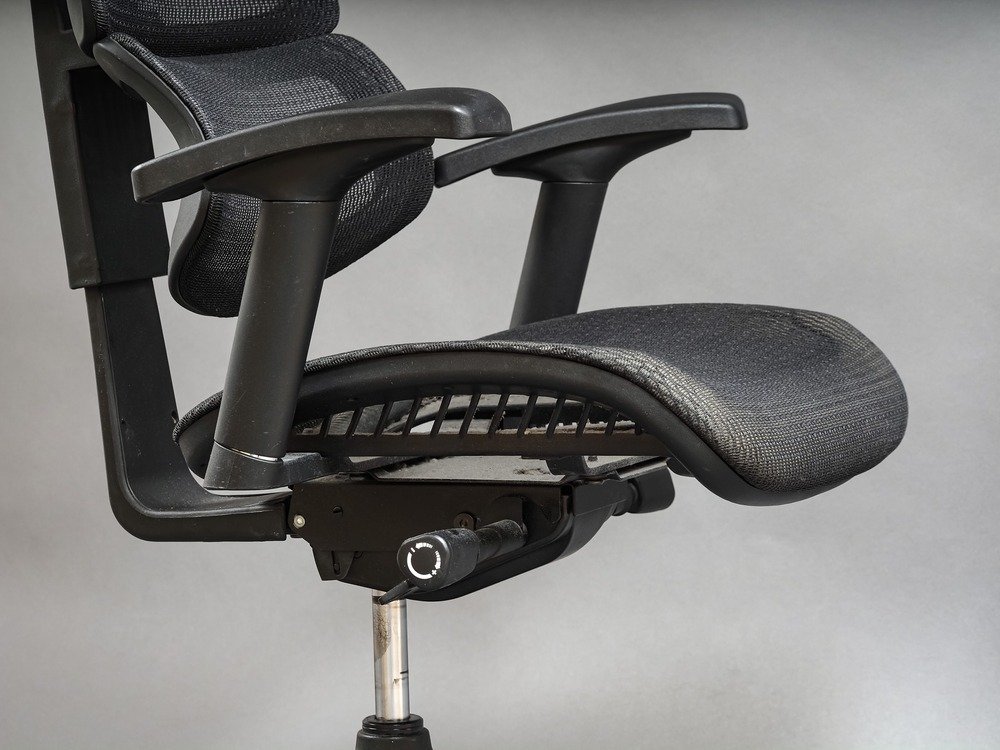
When shopping for an ergonomic office chair, these features are non-negotiable:
- Adjustable Seat Height: Feet must rest flat on floor. If they don’t reach, grab a footrest.
- Adequate Lumbar Support: Must fit the natural inward curve of your lower back. Adjustable is better than fixed.
- Adjustable Armrests: Shoulders should relax, elbows near 90 degrees.
- Seat Depth & Width: Leave 1-2 inches between seat edge and back of knees.
- Breathable Material: Mesh backs prevent sweat-fest marathon sessions.
Optimizing Your Desk and Monitor
Chair, desk, and monitor form a trinity. All three must work together, or you’re just rearranging deck chairs on the Titanic.
Finding the Perfect Desk Height
For sitting work, desk surface should hit at or slightly below elbow height when arms are bent at 90 degrees. This keeps your shoulders relaxed and prevents that hunched-shoulder look.
The gold standard? A sit stand desk (or height-adjustable desk). These let you alternate between sitting and standing throughout the day. Your body craves movement, and a standing desk option delivers without making you commit to standing all day.
Positioning Your Monitor
- Distance: An arm’s length away, roughly 20-30 inches from your face.
- Height: Top of screen at or slightly below eye level. This prevents the dreaded neck crane that leads to tension headaches.
Laptop users, listen up: your built-in screen is too low. Period. Use a laptop stand and connect an external keyboard and mouse. Yes, it’s extra gear. Yes, it’s worth it.
Keyboard, Mouse, and Accessories
Achieving a Neutral Wrist Position
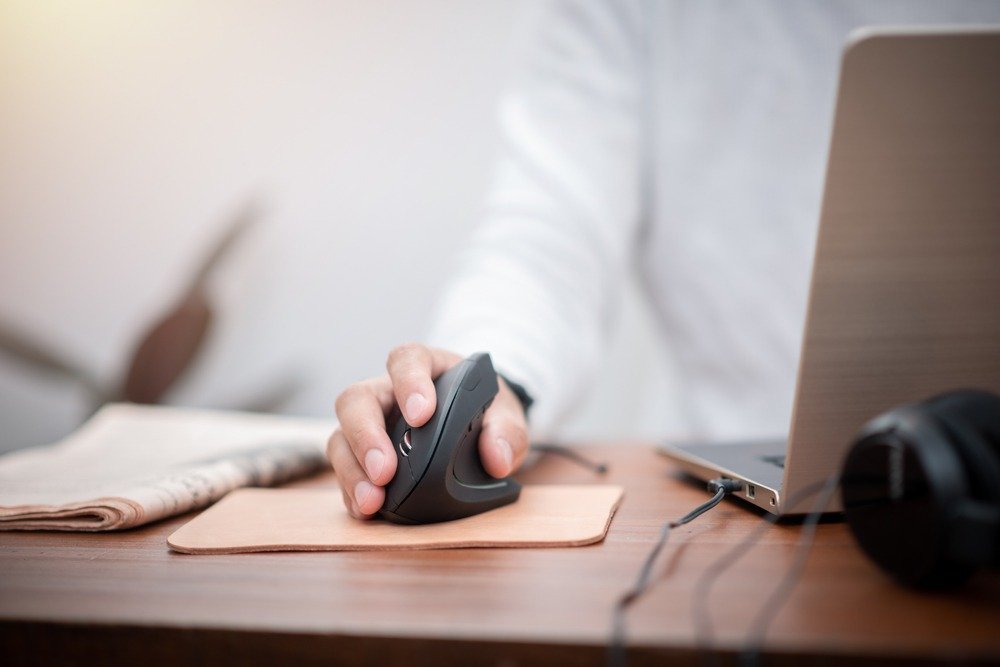
Keyboard and mouse live on the same level, close enough that you’re not reaching like you’re trying to grab the last slice of pizza. A keyboard tray can help position everything correctly.
Wrists stay straight – not bent up, down, or twisted sideways. Imagine your forearm and hand forming one continuous line.
Essential Ergonomic Accessories
- Monitor Arms: Ultimate positioning flexibility. Mount your screen exactly where you need it.
- Footrests: Essential for shorter folks or when chair height doesn’t quite work out.
- Anti-Fatigue Mats: Game-changer for standing desk sessions. Your feet will thank you.
- Cable Management: Clips, trays, or sleeves keep cords from becoming a hazard zone.
Real Tools for Your Ergonomic Setup
Here are three solid options that embody the principles we’ve covered:
| Product | Type | Key Ergonomic Features & Specs | Ideal For |
| Branch Ergonomic Chair Pro | Office Chair | Highly adjustable 4D armrests (up/down, forward/back, side-to-side, pivot). Well-padded seat. Adjustable lumbar support. Sleek, modern design. | Those wanting premium adjustments, comfort, and aesthetics for long workdays. |
| Steelcase Gesture | Office Chair | Exceptional adjustability supporting multiple postures (including mobile device use). Built like a tank with 12-year warranty. Wide fabric options. | Users prioritizing maximum durability, adjustability for different tasks, and a chair fitting any body type. |
| Humanscale Float Mini | Sit-Stand Desk (Compact) | Compact height-adjustable table (bamboo top, white base). Pneumatic lift mechanism. Height range: ~27.5″ to 46.4″. 5-year warranty. | People with limited space needing a flexible, mobile standing solution as primary desk or auxiliary surface. |
Your Daily Ergonomic Routine
Even a perfect static posture becomes harmful if maintained for hours. Movement is non-negotiable.
Try these habits:
- 20-20-20 rule for eyes: Every 20 minutes, look at something 20 feet away for 20 seconds
- Sit-stand alternation: Switch positions every 30-60 minutes if using a sit stand desk
- Quick stretches: Wrist circles, neck rolls, shoulder shrugs – do them at your desk
Your body isn’t designed to be furniture. Keep it moving.
FAQ
What is the single most important element of an ergonomic setup?
The chair. Hands down. It supports your core posture, which influences everything else. Skimp here, and you’ll pay for it later – literally and physically.
Is a standing desk better than a sitting desk?
Neither on its own is ideal. A sit-stand desk that lets you alternate is best. Prolonged standing has its own risks (hello, leg fatigue and varicose veins). Dynamic movement is key.
How do I know if my chair’s lumbar support is adjusted correctly?
You’ll feel supported without being pushed forward. It should nestle into your lower back’s natural inward curve. If you have to lean back to feel it, adjust it forward. If it’s poking you aggressively, dial it back.